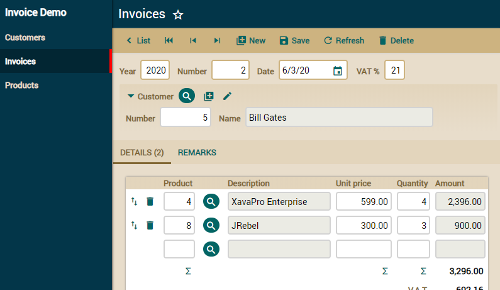
Invoice
A little invoicing application developed writing only 4 simple Java classes: Customer, Invoice, InvoiceDetail and Product.
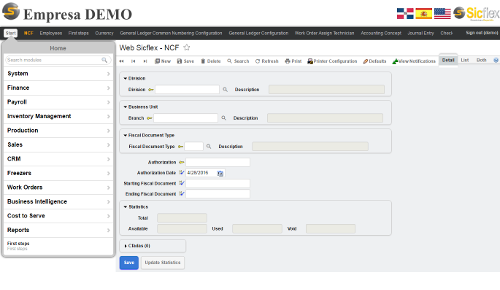
Sicflex ERP
A complete ERP with finance, human resources, payroll, inventory management, sales, work orders, business intelligence, reports, etc. This is a commercial product developed by Sicflex using OpenXava and XavaPro.
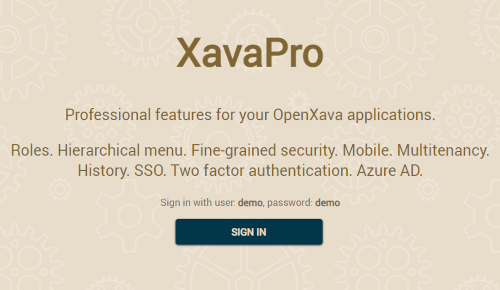
Security and navigation
This OpenXava demo has user login, hierarchical menu, multitenancy, users and roles management, and advanced security. It uses XavaPro.
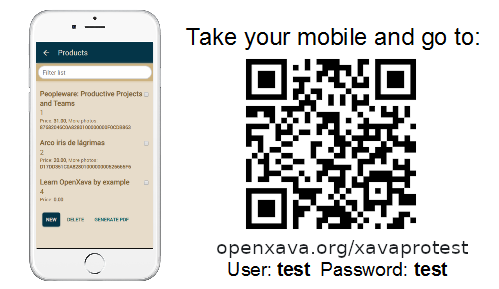
Mobile user interface
This is an example of a mobile web application with OpenXava. You don't needed to write any code to have a mobile user interface, just point your mobile browser to your application. This demo uses XavaPro.